

If you have added an accessibility widget to your website and assumed the legal risk was handled, this guide is for you. The uncomfortable reality in 2026 is that overlays do not make websites compliant, they do not stop lawsuits, and in a growing number of cases they actively invite them. Nearly a quarter of all web accessibility lawsuits filed in the United States in the first half of 2025 were aimed at websites that already had an overlay running.
This article explains, plainly, why overlay widgets fail, what the courts and regulators now say about them, and what a defensible accessibility posture actually looks like for a business in 2026.
What an Accessibility Overlay Actually Is
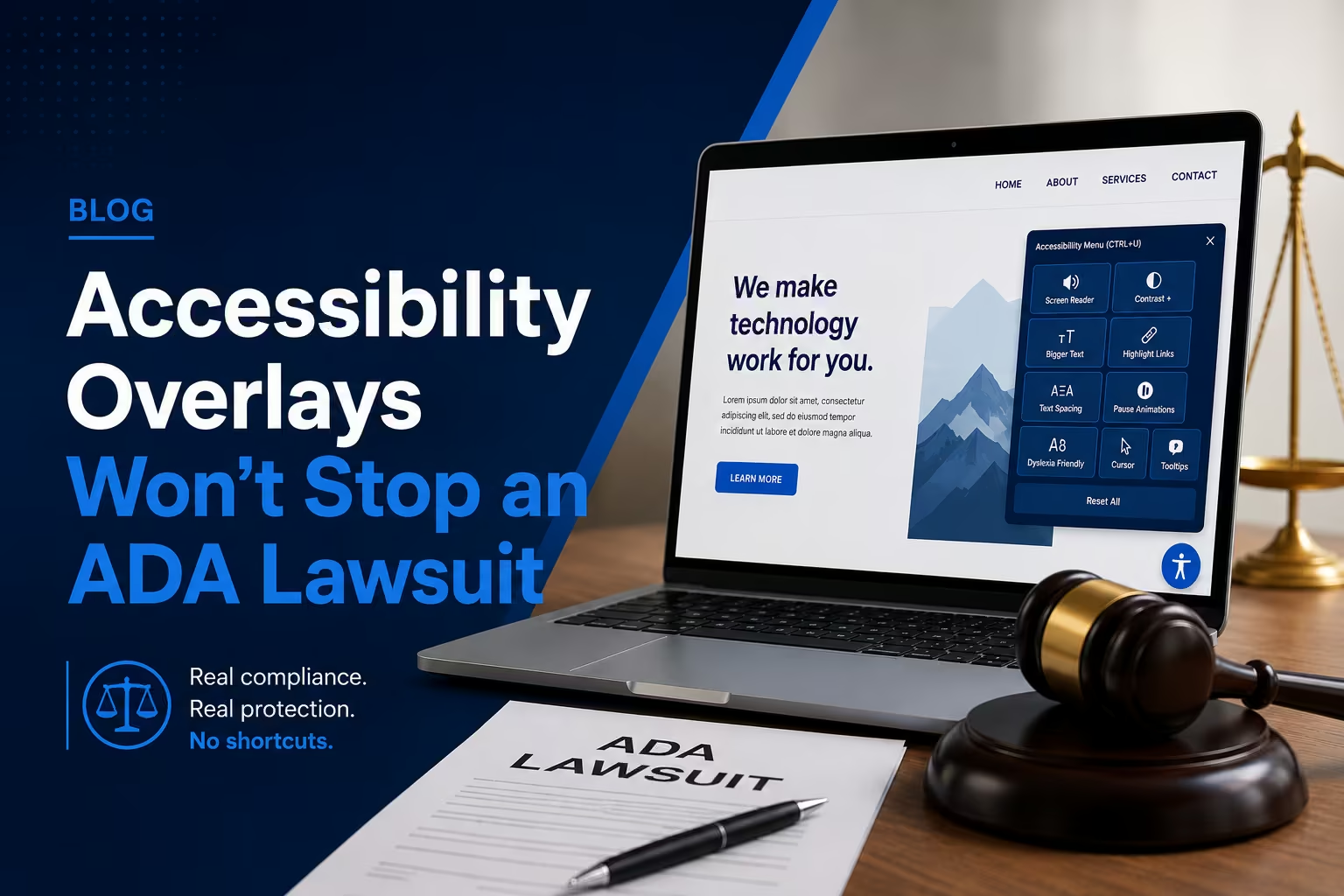
An accessibility overlay is a single line of JavaScript you paste into your website. Once loaded, it injects a floating toolbar — usually a small icon in the corner — that offers users options like larger text, higher contrast, or a reading guide. The vendors behind these products market them aggressively, often promising full ADA or WCAG compliance within forty-eight hours for a flat annual fee.
The pitch is seductive because it sounds effortless. Accessibility is complex and unfamiliar to most business owners, so a one-line script that claims to solve it is exactly what a busy decision maker wants to hear. The problem is that the promise is not true, and the gap between the marketing and the engineering reality is now well documented.
Why Overlays Do Not Work
They cannot fix your underlying code
A website’s accessibility lives in the HTML the browser receives: the heading structure, the form labels, the ARIA landmarks, the alt attributes, the language declarations, and the focus order. An overlay runs after that HTML loads and tries to patch it from the outside using automated detection. But the best automated tooling available today, even with modern AI, reliably detects only about thirty to forty percent of Web Content Accessibility Guidelines issues in the first place. It cannot understand whether your alt text is meaningful, whether your reading order makes sense, or whether a custom widget is operable by keyboard. You cannot automatically fix what you cannot automatically detect.
They frequently break assistive technology
This is the part that surprises most business owners. Overlays do not simply fail to help; they often cause active harm. Aggressive overlay scripts can interfere with screen readers that were working perfectly well, override settings that users have already configured in their own operating system or browser, and force unwanted behaviour onto the very people the product claims to serve. The disability community has been vocal and consistent on this point: many screen reader users now actively avoid or disable overlays, and thousands of accessibility professionals have publicly pledged never to recommend them.
They add performance and privacy overhead
An overlay is a third-party script that loads on every page, adds weight to your Core Web Vitals, and in many cases collects data about how visitors interact with the toolbar. You inherit all of that cost and still do not get compliance in return.
What the Courts and Regulators Now Say
The legal and regulatory picture has shifted decisively against overlays.
In January 2025, the United States Federal Trade Commission announced a one million US dollar settlement with a leading overlay vendor for deceptive marketing, after the company claimed its AI-powered widget could make any website WCAG compliant. That is a federal regulator formally stating that the core marketing claim of the overlay industry is misleading.
The United States Department of Justice, in finalising its Title II technical rule for public sector websites, has made clear that conformance must be built into web content itself rather than bolted on by a third-party tool. The National Federation of the Blind has publicly opposed overlays for years. And plaintiffs’ firms have adapted: they now scan specifically for the presence of known overlay scripts, because an installed overlay is a dependable indicator that the underlying site was never properly remediated. The widget you bought for protection has become a beacon.
The statistic that should concentrate the mind of any business owner is this: in the first half of 2025, 22.6 percent of all web accessibility lawsuits targeted sites that already had an overlay installed. The insurance policy is not paying out.
The Math Most Vendors Do Not Want You to Run
Overlays are sold as a subscription, typically between 490 and 3,600 US dollars per year depending on traffic and plan. That is a recurring cost, every year, for a tool that does not prevent litigation and does not fix the barriers disabled users actually encounter.
Compare that to real remediation, which is a one-time investment. A focused WCAG 2.2 Level AA audit of a small-to-mid-sized site starts around 1,500 US dollars and identifies every real violation with a priority ranking. Audit plus remediation commonly lands between 3,000 and 8,000 US dollars for a small or mid-sized site. Building accessibility into a new site from day one costs almost nothing extra, because the work is simply part of doing the build correctly.
Set those numbers against the cost of a lawsuit — a typical first-time US settlement runs from 8,000 to 25,000 US dollars before remediation, expert fees, and monitoring push the total well beyond 75,000 — and the conclusion is unavoidable. Paying annually for a tool that increases your litigation profile is the worst available option on pure economics, before you even consider the ethics.
What Actually Works: Source-Level Remediation
The defensible posture in 2026 has three components, and none of them can be supplied by a widget.
1. Fix accessibility in the code your server delivers
The HTML that reaches the browser must already meet WCAG 2.2 Level AA. That means semantic headings, skip-navigation links, ARIA landmarks used correctly, descriptive alt attributes, properly associated form labels, a logical focus order, sufficient colour contrast, language declarations, and interactive components that are fully operable by keyboard. This is engineering, not configuration.
2. Verify with a hybrid audit
Automated scanners such as axe DevTools, Lighthouse, and WAVE are useful for the thirty to forty percent of issues they can catch, and they belong in your process. But the remaining majority — meaningful alt text, logical reading order, keyboard traps, screen-reader experience, cognitive load — requires manual testing. A credible audit pairs automated scanning with keyboard-only navigation, screen-reader walkthroughs using NVDA and VoiceOver, and review informed by lived disability experience.
3. Make conformance continuous
Websites change constantly, and a single redesign, campaign page, or plugin update can introduce dozens of new failures. Sustainable compliance means quarterly regression checks, accessibility training for content editors, automated a11y tests inside your continuous integration pipeline, and a public accessibility statement with a real feedback channel and dated audit history.
If your last audit predated 2024, you also have the nine new WCAG 2.2 success criteria to account for — including focus that is not obscured by sticky headers, minimum target sizes, and accessible authentication that bans cognitive puzzles as the only way to log in.
How eLan Technology Helps
eLan Technology has been engineering WCAG and ADA compliant websites for clients across the United States, Canada, the UK, the UAE, and Australia since 2002. We do not sell overlays, because we do not sell things that do not work.
We conduct hybrid audits that combine automated scanning with manual testing by trained specialists, and we deliver a remediation plan sequenced by legal risk, user impact, and engineering cost. Every engagement produces evidence artefacts your legal team can attach to a VPAT 2.5 conformance report, an accessibility statement, or a regulatory filing. We remediate across React, Next.js, Astro, WordPress, Shopify, and headless environments, and we build new sites that are accessible by design — with axe-core, Lighthouse CI, and keyboard-only QA running inside our build pipeline so regressions are caught before they ship.
If you have received a demand letter, are preparing for a procurement review, or simply want to replace a widget that is not protecting you with compliance that genuinely is, we would welcome a conversation. Our free website audit is a sensible first step, and our ADA-compliant web design service covers full audits, remediation, and VPAT documentation. If you are responding to a demand letter right now, our guide to emergency website remediation explains the immediate steps.
Final Thoughts
Accessibility overlays sell a comforting story: that a genuinely hard problem can be solved by pasting in a line of code. In 2026 the evidence against that story is overwhelming — from a federal regulator, from the disability community, and from the lawsuit data itself. A widget cannot fix code it cannot read, it cannot help users it cannot understand, and it cannot stop a lawsuit that increasingly uses its own presence as proof of neglect.
The alternative is not harder than the overlay promised to be; it is simply real. Fix the code, verify it properly, and keep it healthy. That is what protects your business, and it is the only approach that actually serves the one in four adults who live with a disability.